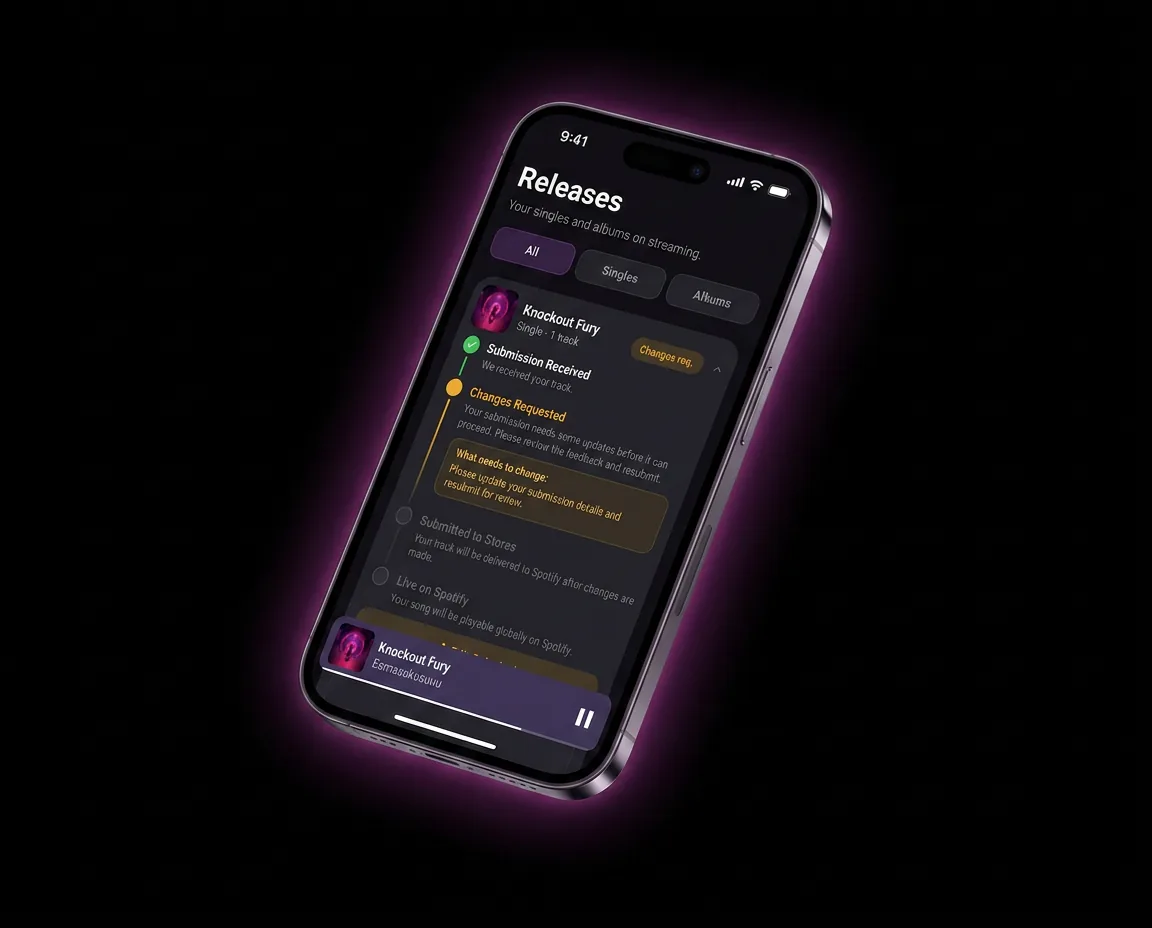
How to Upload Music to Apple Music: A Step-by-Step Guide
Independent artists can't upload directly to Apple Music — you need a distributor to deliver your music into Apple's system. Once you submit your mastered audio, cover art, and metadata through a distributor like Banger, your release goes out to both Apple Music streaming and the iTunes Store for downloads, typically going live within a matter of days after approval.
Apple Music and the iTunes Store run on the same backend (Apple Music for Artists / Apple Music for Artists dashboard), but they're two different consumer experiences — one is a streaming subscription service, the other is a pay-per-download store. Here's how to get your music onto both, what assets you need, and how to claim your artist profile once you're live.
Why You Need a Distributor for Apple Music
Like Spotify, Apple Music doesn't accept submissions directly from individual musicians. Instead, Apple works exclusively with approved distribution partners who deliver releases through Apple's ingestion system, complete with the correct metadata, identifiers, and audio specifications Apple requires.
Using a distributor like Banger means you upload your release once, and it's delivered not just to Apple Music but to Spotify, Amazon Music, YouTube Music, TikTok, and other platforms at the same time — no need for separate accounts or repeated uploads. See best music distribution services to compare how different distributors handle this.
iTunes Store Downloads vs. Apple Music Streaming
These are often confused, but they're distinct:
| iTunes Store | Apple Music | |
|---|---|---|
| Model | Pay-per-download purchase | Subscription streaming |
| Fan pays | Per song/album | Monthly subscription (shared across all listening) |
| Artist earns | A cut of each sale | A share of streaming royalty pool based on play count |
| Availability | Optional — you can opt in/out per release | Standard for most distributed releases |
When you distribute through Banger, you can typically choose to make your release available on both, or streaming-only, depending on your goals. Most artists keep both enabled — downloads matter less than they used to, but they still generate real revenue from dedicated fans.
What You Need Before Uploading to Apple Music
- A finished, mastered WAV file for each track — Apple Music does not accept MP3 masters.
- Cover art meeting Apple's spec — minimum 3000x3000px square image, no blurry text, no URLs or social handles, no borders. See the album cover art guide for full requirements.
- Complete metadata — artist name (spelled exactly and consistently), release title, track titles, genre, release date, and primary language.
- Explicit/clean tagging for any tracks with profanity or mature content. See explicit vs. clean tracks if you're releasing both versions of a song.
- An ISRC code for each track — generated automatically by most distributors, including Banger. Read what is an ISRC code for why this matters.
- Songwriter and publishing credits, so royalties are attributed properly beyond the initial streaming payout. See music publishing 101.
Step-by-Step: Uploading Music to Apple Music via Banger
- Start a new release in Banger and select Apple Music (and iTunes Store, if desired) as a distribution target.
- Upload your mastered WAV audio file(s) for each track.
- Upload cover art that meets Apple's technical specs.
- Fill in your metadata — artist name, track and release titles, genre, release date, language, explicit/clean flags.
- Add songwriter and contributor information for accurate credit and royalty attribution.
- Choose your release date, submitting with enough lead time (1-2 weeks minimum is a safe buffer) for review.
- Submit for distribution. Banger delivers your release to Apple's ingestion system along with any other selected platforms.
- Wait for approval and go-live, which typically takes anywhere from a few days up to about a week.
- Claim your Apple Music for Artists profile once your release is live or pending.
Claiming Your Apple Music for Artists Profile
Apple Music for Artists is the equivalent of Spotify for Artists — it gives you access to streaming and sales analytics, listener demographics, and profile management (artist photo, bio).
- Go to Apple Music for Artists and search for or select your artist profile.
- Request access — Apple verifies your identity, often through a code delivered via your distributor.
- Once verified, you'll have access to play counts, Shazam data, city-level listener breakdowns, and playlist placements.
This is worth doing immediately after your first release goes live, since the analytics and identity verification also help prevent someone else from claiming or confusing your artist page. If you're also active on Spotify, compare this to the Spotify for Artists guide — the two platforms offer different data, and using both gives you a fuller picture of your audience.
Common Reasons Apple Music Uploads Get Rejected or Delayed
- Non-square or low-resolution cover art — Apple is strict about exact dimensions and image quality.
- Inconsistent artist name spelling across past and current releases, which can split your catalog into multiple artist profiles.
- Missing or incorrect explicit tags.
- MP3 or otherwise low-quality audio files submitted instead of a full WAV master.
- Late submission, leaving no buffer for review before your intended release date.
Pre-Release Best Practices
- Submit at least 1-2 weeks ahead of your release date to leave room for review.
- Keep your artist name and spelling perfectly consistent across every release and platform to avoid fragmenting your Apple Music for Artists profile.
- Coordinate your Apple Music release with your other platforms (Spotify, YouTube Music, TikTok) so your promotional push lands on the same day everywhere. See music marketing strategies.
- If you're releasing a multi-track project, think through format — see what is an EP if you're deciding between a single, EP, or album rollout.
How Banger Makes This Easier
Banger handles the full Apple Music and iTunes Store delivery process from one upload, alongside every other major platform. built-in promo tools like pre-save links helps you catch cover art and metadata issues before submission, so you're not stuck waiting through a rejection-and-resubmit cycle right before your release date. Pricing is $24.99/year.
FAQ
Can I upload music directly to Apple Music without a distributor?
No. Apple Music only accepts releases delivered through approved distribution partners — there's no direct upload option for individual artists. You'll need a distributor like Banger to get your music onto the platform.
What's the difference between uploading to iTunes and Apple Music?
The iTunes Store sells individual downloads that fans pay for per song or album, while Apple Music is a subscription streaming service where you earn a share of royalties based on plays. Both are delivered through the same distribution process, and most artists enable both.
How long does it take for a song to appear on Apple Music?
It typically takes anywhere from a few days up to about a week after submission and approval, depending on your distributor and how far in advance you submitted. Submitting 1-2 weeks before your target release date is a safe buffer.
Do I need special files to upload to Apple Music?
Yes — Apple Music requires a fully mastered WAV audio file for each track, not an MP3. Cover art must also meet a minimum resolution and square aspect ratio with no embedded text like URLs or social handles.
How do I claim my Apple Music for Artists page?
Once you have a release live or pending on Apple Music, visit Apple Music for Artists, find your artist profile, and request verification. Apple confirms your identity, often via a code sent through your distributor, then grants you access to analytics and profile controls.
Can I sell downloads and stream on Apple Music at the same time?
Yes — when distributing through Banger, you can typically enable both iTunes Store downloads and Apple Music streaming for the same release, giving fans the option to either stream or purchase your music.
Get Your Music on Apple Music
Stop guessing at Apple's submission requirements. Banger delivers your music to Apple Music, the iTunes Store, and every major platform from a single upload. [Get started at SIGNUP_URL].