Best Music Distribution Services for Independent Artists
Music distribution services get your songs onto Spotify, Apple Music, and other streaming and download platforms, since none of those platforms accept direct uploads from individual artists. The right service for you depends on three things: the pricing model (subscription, per-release, or commission-based), how much of your royalties you keep, and what extra tools you get beyond basic delivery — like playlist pitching support, analytics, or publishing administration.
There are more distribution options than ever in 2026, and they don't all work the same way. This guide explains what distribution actually does, how to evaluate a service, and gives an honest look at the major players — including Banger — so you can pick the right one for where you are in your career.
What Music Distribution Actually Does
A distributor is the middleman between your finished track and the streaming/download platforms. Concretely, it:
- Delivers your audio and metadata to DSPs (digital service providers) like Spotify, Apple Music, Amazon Music, YouTube Music, TikTok, and others.
- Assigns an ISRC code to each track so plays can be tracked and attributed to you. See what is an ISRC code.
- Collects your streaming royalties from those platforms and pays them out to you, usually on a monthly basis.
- Handles takedowns, updates, and re-deliveries if you need to fix metadata or pull a release.
- Often provides additional services — playlist pitching tools, analytics dashboards, publishing administration, or Content ID setup for YouTube. See YouTube Content ID explained.
Distribution is not the same as a record label — a distributor delivers your music and pays you your royalties, but typically doesn't own your masters, sign you to a contract, or take creative control (pricing and revenue-share models vary by service, so always check the specifics before signing up).
How to Choose a Music Distribution Service
1. Pricing Model
Distributors generally use one of three pricing structures:
- Subscription (flat annual or one-time fee): You pay a set fee, often per year or per release, and keep 100% of your royalties. Good for artists releasing consistently, since the cost doesn't scale with your success.
- Commission (percentage of royalties): No upfront cost, but the distributor takes a percentage of what you earn. Good for artists who want zero upfront risk, especially before they have a track record of income.
- Per-release, one-time fee: You pay once per single/album with no recurring cost, and typically keep all royalties going forward. Good for artists who release infrequently.
None of these is objectively "best" — it depends on your release frequency and how much revenue you're already generating.
2. Royalty Share
Ask directly: does the distributor take a cut of your streaming and download royalties, or do you keep 100%? This is usually tied to the pricing model above — subscription and per-release models tend to offer 100% royalty retention, while commission-based models take a percentage instead of an upfront fee.
3. Speed and Reliability
How long does it typically take for a release to go live after submission, and how are rejections or metadata errors handled? Review times vary by distributor and platform, but a general range of a few days to about a week is typical once a release clears review — always submit with buffer time regardless of which service you use.
4. Extras That Actually Matter
- Playlist pitching support beyond what's natively available through Spotify for Artists.
- Publishing administration — collecting the composition-side royalties in addition to master royalties. See music publishing 101 and what is the MLC.
- Content ID setup for YouTube monetization.
- Analytics that go deeper than what individual DSPs show natively.
- Customer support quality — especially important when something goes wrong close to a release date.
5. Platform Coverage
Confirm the distributor actually reaches the platforms that matter to your audience — this should always include Spotify, Apple Music, Amazon Music, and YouTube Music at minimum, plus TikTok/CapCut for sound library placement. See how to get your music on TikTok for why that specific placement matters separately from standard streaming.
Top Music Distribution Services, Compared
1. Banger — Best Overall for Independent Artists
Banger is built specifically for independent musicians who want a straightforward, artist-first distribution experience without the complexity of managing multiple platform relationships. Key strengths:
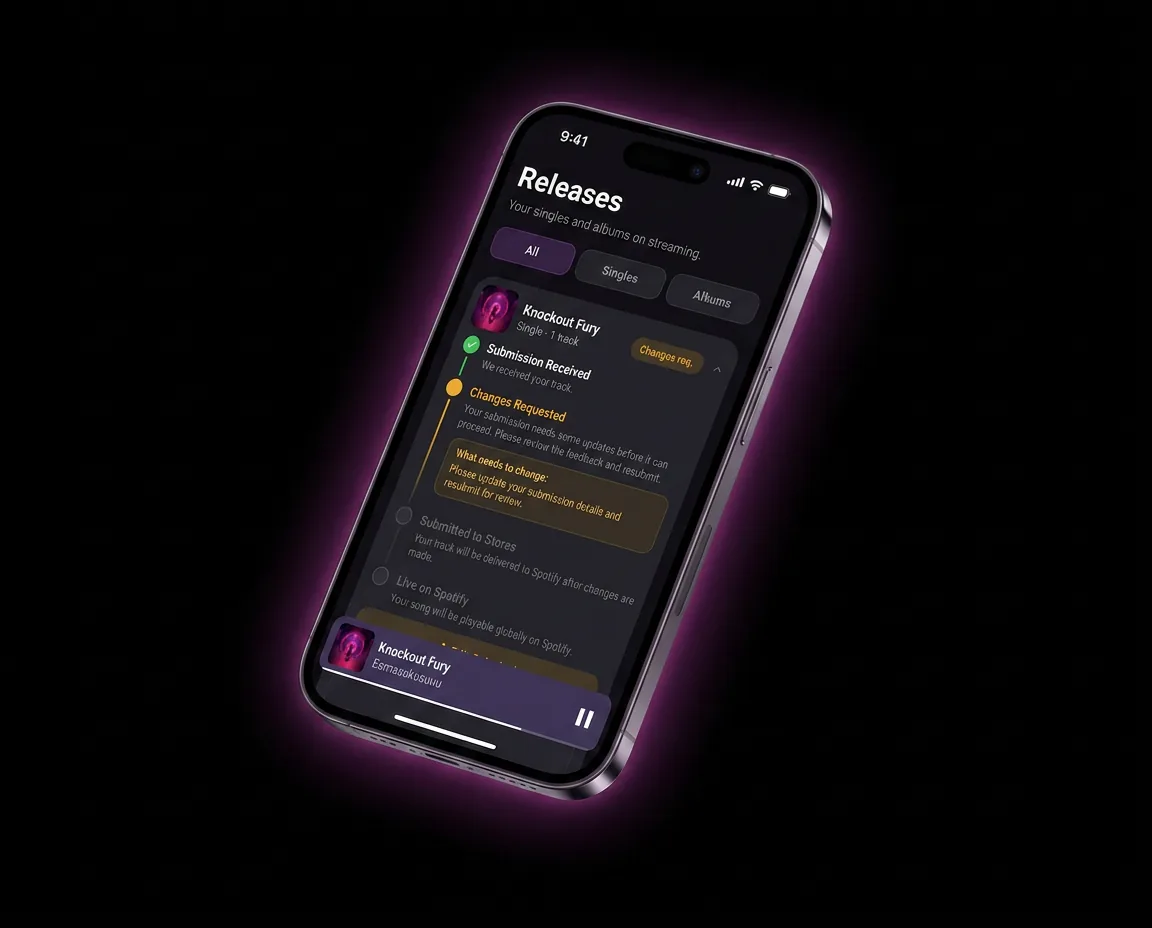
- built-in promo tools like pre-save links streamlines the upload process and helps catch metadata/artwork issues before submission, reducing rejection risk.
- built-in promo tools like pre-save links supports release management across Spotify, Apple Music, Amazon Music, YouTube Music, TikTok, and other major platforms from a single upload.
- Pricing: $24.99/year.
- Designed with independent artists' workflow in mind — from first single to ongoing catalog management.
Because Banger is purpose-built for artists managing their own careers rather than labels managing large rosters, the experience tends to be simpler to navigate than legacy distribution tools, while still covering the core distribution needs: ISRC assignment, metadata handling, and delivery to every major DSP.
2. DistroKid
DistroKid is one of the most widely used distributors among independent artists, known for a subscription-based pricing model (an annual fee covering unlimited uploads) and a large set of optional add-ons (splits management, Shazam encoding, etc.) available at extra cost. It's a solid option for artists who release frequently and want predictable annual costs rather than per-release fees.
3. TuneCore
TuneCore has historically used a per-release annual fee model, where you pay to keep each release live and typically retain a high percentage of your royalties. It's a long-standing player in the space with broad platform coverage, though the cumulative cost can add up for artists with large, growing catalogs since older releases may require continued annual payments to stay live.
4. CD Baby
CD Baby uses a one-time per-release fee model rather than a subscription, meaning you pay once and your release stays live without recurring costs. It also has a long history in physical distribution (CDs, vinyl) alongside digital, which makes it a relevant option for artists who care about physical product alongside streaming.
5. Amuse
Amuse built its reputation on a free distribution tier, monetizing instead through optional paid tiers and other services. This makes it appealing for artists just starting out who want to test distribution without upfront cost, though free tiers often come with tradeoffs in speed, support, or feature access compared to paid plans.
6. RouteNote
RouteNote offers both a free, commission-based tier (where it takes a percentage of royalties in exchange for no upfront cost) and a paid tier with 100% royalty retention. This dual-model flexibility makes it a common choice for artists who want to choose their own tradeoff between upfront cost and royalty share on a release-by-release basis.
Comparison Table
| Distributor | Pricing Model | Royalty Retention | Best For |
|---|---|---|---|
| Banger | $24.99/year | built-in promo tools like pre-save links | Independent artists wanting a streamlined, artist-first experience |
| DistroKid | Subscription (annual, unlimited uploads) | Typically 100% | Frequent releasers wanting predictable costs |
| TuneCore | Per-release annual fee | Typically 100% | Artists comfortable with per-release recurring costs |
| CD Baby | One-time per-release fee | Typically 100% | Artists who also want physical distribution |
| Amuse | Free tier + paid upgrades | Varies by tier | Artists testing distribution with no upfront cost |
| RouteNote | Free (commission) or paid (100% retention) | Varies by tier chosen | Artists wanting flexible cost/royalty tradeoffs |
Note: exact pricing and terms change over time for every distributor — always confirm current details directly on each service's site before deciding.
Step-by-Step: Getting Started With a Distributor
- Finish and master your track(s) and export WAV files.
- Prepare cover art to platform spec — see the album cover art guide.
- Gather metadata — artist name, titles, genre, release date, songwriter credits.
- Compare distributors against your release frequency, budget, and need for extras like publishing admin or Content ID.
- Create an account and start a release, following the platform's upload flow.
- Submit with lead time — at least 1-2 weeks before your target release date.
- Claim your artist profiles (Spotify for Artists, Apple Music for Artists, Official Artist Channel on YouTube) once live.
FAQ
What is the best music distribution service for a new independent artist?
The right choice depends on how often you plan to release and how much upfront cost you're comfortable with. Artists who release consistently often prefer a subscription or artist-first platform like Banger, while those testing the waters may start with a free or commission-based tier and switch later.
How much does music distribution cost?
It depends on the pricing model: subscription services typically charge a flat annual fee, per-release services charge once per single or album, and commission-based services charge nothing upfront but take a percentage of royalties. There's no single standard price across the industry, so compare models rather than assuming one flat number applies everywhere.
Do music distributors take a percentage of royalties?
Some do and some don't — it depends on the pricing model. Subscription and per-release models typically let you keep 100% of royalties, while commission-based or free-tier models take a percentage instead of charging upfront.
How long does music distribution take?
Once submitted and approved, releases typically go live anywhere from a few days up to about a week, depending on the distributor and platform. Submitting your release at least 1-2 weeks before your target date gives you a safe buffer for review.
Can I switch distributors without losing my streams or playlist placements?
Switching distributors generally requires taking down your release from the old distributor and re-uploading through the new one, which can reset your ISRC and split your streaming history and playlist placements across two versions of the track. If you're mid-catalog, weigh this carefully before switching, and plan any switch around new releases rather than mid-catalog moves when possible.
Do I need a distributor for every platform, or can I use different ones for different platforms?
Most artists use a single distributor that delivers to all major platforms at once, since that's simpler to manage and keeps your metadata and royalty reporting consistent. Using different distributors for different platforms is technically possible but adds complexity with little practical benefit for most independent artists.
Choose Banger for Your Music Distribution
If you want a distribution service built around independent artists' actual workflow — not label-scale complexity — Banger gets your music to every major platform from a single upload. [Get started at SIGNUP_URL].